- Services
- Dynamic Captions
- Animated Avatars
- BWT Videos
- ChatBot Agents

AI ChatbotsSupport more customers with a friendly greeting and helpful chatbot agent.
- Chatbots Category
- Video Editing

Website Tips Blog Posts & Teasers
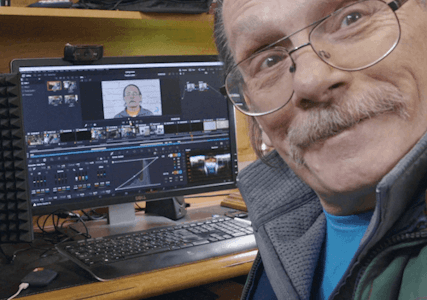
Blog posts and article teasers are included in this section. Each entry is categorized and added to the Archives. If you know what you are looking for use the search box to find it. Otherwise Continue reading...
Why Optimizing Your Webpages For SEO And AEO Matters 2026-05-11
Recently I rebuilt my video-editing.html page with SEO (search engine optimization) and AEO (answer engine optimization) framework. The tramsformation was dramatic - I added a lot of missing content, organized it for quick AE access and polished it with new FAQ section and new answer engine friendly structure. Start you rebuild with a complete AEO analysis of the page including: Add a clear, consise Entity Summary section helps AI systems understand "who you are." This is important because they need to know you before they can recommend your services. In short I added sections for: This is a major win for the page's AEO. It tells the answer engines in short descriptions information it can extricate quickly, and is precisely what they are looking for. In other words a structured itemlist is ideal for question and answer communications. Next add a Tools & software section. This tells the answer engines what tools I use. Then add a Frequently Asked Questions section (FAQ). AE engines just love FAQs because they are exactly the type of information people look for. My FAQ answers these particular questions: Each FAQ answer is written in short, descriptive and authoritative sentences, that are conversational and answer engine friendly. Then create a full json-ld schema markup code and added it to the HTML upload. I added a complete multi-entity schema block including: This is a major win for the page's SEO & AEO. It connects my person to services and services to organization. Which helps AI understand my offerings, structures the page properly and strengthens my E-E-A-T (Experience, Expertise, Authoritativeness and Trust). These are major AEO updates, but I also did some SEO, as well. That included improving page structure, add internal linking, and publishing more multi-media. The benefits of doing this should make the page more user and AE friendly as well as: Yes, I used AI chatbot (Microsoft Copilot) to help write this blog post, in case you were wondering. No,I did not copy and paste or plagerize the words. I took the time to type it out in my own words and in my own style. You may have noticed a propensity of lists on this page. It is not a design error, I did it on purpose, because answer engines love lists. They make the information extractable in a structured organized way it can relate too. Lists can also be used to generate schema markup. Which I am going to do for this page next. Meanwhile visit my page to see the results... Here's How To Update Your Page For AEO

Contact BWT Videos for a free quote | Top of page |
Step By Step Tutorial Video Creation Tips 2026-05-01
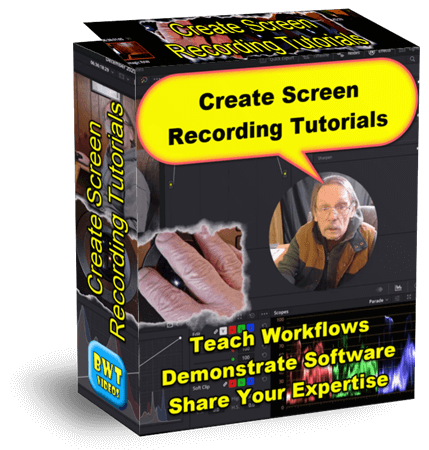
Zooms, highlights, cursor effects and emphasis add cladirty to "How To" videos. Even pacing with short breaks allows for improved retention. Video tutorials can cost as little as $10 for a basic explainer. And a premium, polished tutorial can cost as little as $50 depending on length and project requirements. See what's possible in this Step by Step Turorial Video... Website tips for this post:
Step by step tutorial videos are easy to make. If you have a well developed system with lots of power, plenty of disc space, hi-end software and quality editing skills. Got that! A tutorial video is boring. NOT, If you have the right editor. Teaching videos depend upon clarity and thuroughness. BWT Videos specializes in content retention through quality video production. Got That! Tutorial videos save time and money. When you need customer support, product descriptions, software demonstsrations or technical descriptions a video does it all. Plus they show visual and audio clues not possible with words alone. Got That Too! Are you looking to create your own step by step or screencast tutorial videos? Then you should definitely check out how I do it on this next page...
Contact BWT Videos for a free quote | Top of page |
DaVinci Resolve 21b New Photo Page Tips 2026-04-25
Website tips for this post: Photos can be accessed across 4 pages. Photo, Color, Fusion and Deliver. Which allows you the full range of capabilities including adding text, motion, effects and optimizing color and white balance. Especially usefull when matching still photos with video footage. Exporting on the Deliver page has a photo album option under custom export. Where you can export the entire album or selected images. Which includes all the changes you made to your images. All the changes you make to your images are applied to the Media Pool. Attributes remain the same over various timelines. This means that whatever changes you did on the photo page will be the same everywhere you use them. Adding effects are a simple drag and drop on your image. For instance did you see the Sun poking through on the first image. I added that with the "Lens Flare" effect, to achieve that look. The list of effects available are too numerous to list here. but rest assured the list is lengthy. While the Photo page is a huge welcome addition to DaVinci Resolve it is going to be somewhat limited due to the fact it is a free upgrade. BMD could have charged a subscription fee but decided not to. So, you can rule out any heavy AI manipulation as being cost prohibitive. Also, the concept is to edit photos in a video editing environment. Not create fantasitc full length photo animations. Although you could do that, you would need to have a lot of power and memory on your computer as cloud based AI generation is not going to happen. Are you interested in grading or editing a photo album? Contact me at BWT Videos... DIA Statues Photo Album

Contact BWT Videos for a free quote | Top of page |
Camtasia 2026 Certification With Audiate 2026-04-13
With Audiate you have a wide range of AI tools to work with. Including AI speech to text conversion with textual editing capabilities and AI voice and character generation. That means you can input a written script and output an AI generated avatar spokesperson tutorial with narration, if you were so inclined. Or, you can edit an existing narration lickity split with slick voice analizer tools. Create polished tutorials that sync audio narration with AI generated avatars. Eliminate or silence uhs, ums, ahs and pauses. Sounds simple, right? Well it isn't, I recommend taking the Camtasia Certification course first. It ain't as easy as it looks. This comprehensive course walks you step by step through how to use Camtasia 2026 effectively. I took the course and came up with this video I call Camtasia Menagerie. Check it out... This Camtasia Certification course covers most but not every aspect of recording and editing a screencast video. It is broken down into specific areas of study including screen recording, video editing, audio editing, visual effects, captioning, animation, asset management and publishing. The curricullum is organized to walk you through creation of a video from intro to final delivery. Website tips for this post are: The basic level has some features and succeeding levels have greater capabilities. The top or Pro level includes text-to-speech voice narration, AI generated lip synced avatars and script generation. The only downside to Audiate is the recurring subscription fees. There are similar 3rd party products on the market that are less expensive and one time only charge. But are not integrated into Camtasia. If you have a Camtasia subscription that is "Business" level or higher you can download Audiate for free and take advantage of some of the script editing functions. But not the AI character or script generation tools. Once again Camtasia tops out the class of screen recording video editors. Excellent for making tutorials and general video editing. Some may argue that Camtasia is Not a high end editor (compared to others). Camtasia is actually a complex NLE (non-liear editor) with track stacking timeline editing construction. Camtasia actually is very well equipped for advanced animation, motion graphics and audio sweetening. Learn how to use Camtasia to make screen recording tutorials on the next page... 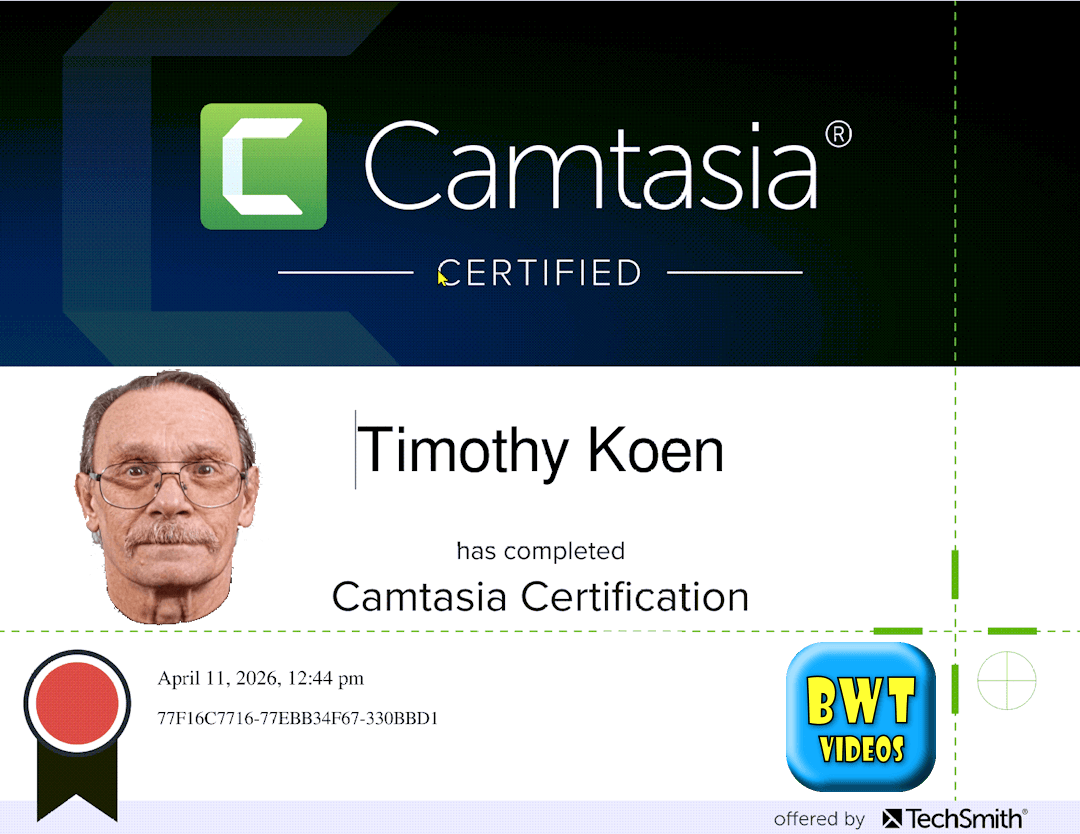

Contact BWT Videos for a free quote | Top of page |
Edit Video Order Box Upgrade 2026-03-25
What am I talking about? An offer box for a video creation service. Various optons are selected in the tab menu to switch between different levels of the service. Here it is... Wait before you click the button. Contact us first for a free consult. Use the form below to discuss your project before you commit. Wait before you click the button. Contact us first for a free consult. Use the form below to discuss your project before you commit. Wait before you click the button. Contact us first for a free consult. Use the form below to discuss your project before you commit. Wait before you click the button. Contact us first for a free consult. Use the form below to discuss your project before you commit. Delivered in Full HD, 1080p/MP4 use for YouTube, social media, website or online platform. You can specify format for delivery, (1080p, 16:9, 720p, 600px Square).
We set up an email communications with you and ask for specific details about your project. With this information we construct a personalized video just for you. We may make sugestions to help improve your project. If you have specific media you want included send them to us. When ready you get a preview of the work to approve. Remember that a custom video is the best way to get the most options. You can't go wrong with BWT Videos. I promise. Order Now!Here's How To Order A Video
Video Editing Services

You get:
Basic Video - $30.00

use code "BWT10off" for 10% DiscountVideo Editing Services
You get:
Standard Video - $50.00
use code "BWT10off" for 10% DiscountVideo Editing Services
You get:
Premium Video - $75.00
use code "BWT10off" for 10% DiscountVideo Editing Services
You get:
Custom Video - $200.00
use code "BWT10off" for 10% DiscountHere Is How Video Making Works:
I will ask you for
What Happens when you Order A Video
 We guarantee satisfaction. BWT Videos promises to do our best upfront. So you get the video you expected. We offer free support for 30 days. If you are not satisfied please let us fix it for free.
I made this long before AI came along and recall having difficultiy debugging it properly. So, I asked MS Copilot for help. It did not. Thank goodness I knew how to fix it myself. Video editing by Tim Koen is available at BWT Videos...
Contact BWT Videos for a free quote | Top of page |
Frequently Asked Questions and Answers Page Updated 2026-03-21
Did you know FAQ's are an important tool in every webmasters arsenal? FAQ's eliminate back and forth emails as well as reducing time to solutions. FAQ's can answer questions before they are asked. They can convey a level of service provided, turnaround time, intricate details and quick answers. New in FAQ & A are the most popular questions we recieved about creating screen recording tutorials. I found that the FAQ has greatly reduced the time I spend supporting customers and defining processes. Also, questions are more precise and detailed due to all the information conveyed in the FAQ. Check out the new info on... 
Contact BWT Videos for a free quote | Top of page |
More Website Tips: March 2026 «



61 W. Annabelle Ave. Hazel Park,
MI. 48030-1103, U.S.A.
telephone: (248)546-0374
email: support@best-website-tools.com
© Copyright 2007-2026 All rights Reserved.
Sun: closed
Mon-Fri: 9:00AM to 6:00PM
Sat: 9AM-12:00PM
Closed Holidays
