- Services
- Dynamic Captions
- Animated Avatars
- BWT Videos
- ChatBot Agents

AI ChatbotsSupport more customers with a friendly greeting and helpful chatbot agent.
- Chatbots Category
- Video Editing

January 2026
Year End Website Tune-Up and Maintenance Tips 2026-01-02
- Update key pages like About, Index, Contact and Services. You will want to include new portfolio items, testimonials and achievments from the past year.
- Rewrite or remove out-dated content. This may seem like a duanting task but you could give a priority ranking to what you want to update now or in the future. Bring old pages up to new standards, clean out outdated ads, check spelling, grammer and puncuation.
- Optimze performance, speed and stability. Take a good look at your coding. Is it modern or contain old or unused bits. Clean out code that you no longer need or has been updated. Minimize CSS and Javascript. Compress and optimize images. In general, less more precise code will improve speed for both the user and search engines. Use lazy loading for images and video. Finally; re-load every page in bulk if you can. This last task gives the search engines fresh timing of the website as a whole. A kind of "Like New" polish.
- Security and Back up. Update any CMS, plugins or add-ons to the latest version. Review user accounts associated with your workflow. Create a backup of your website. And check expiration dates of any subscriptions and renew if necessary.
Updates to Best Website Tools website this year include; Full website re-upload, New "Contents" menu added, overall template standardization and Archive update.
Bonus Tip;. A little maintenance now can save you from headaches in the future. Wish I had of thought of that 6 years ago when I first implemented this website design. If I had I would have paid more attention to the archive pages. But, this year I did. See what I mean about prioritizing tasks.
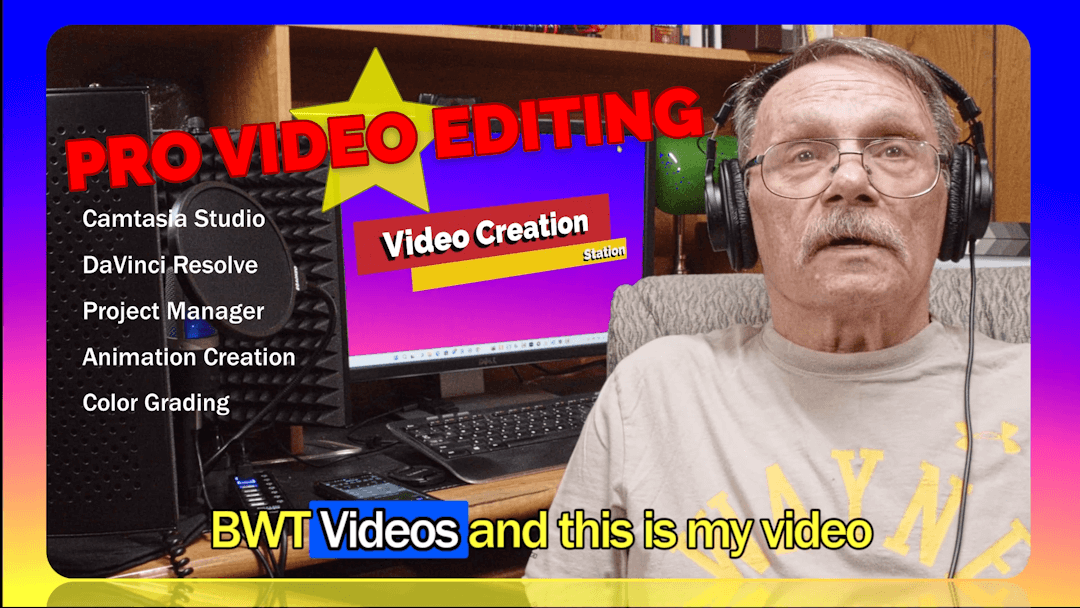
Happy New Year From Best Website Tools.

DaVinci Resolve Micro Color Panel At BWT Videos 2026-01-17
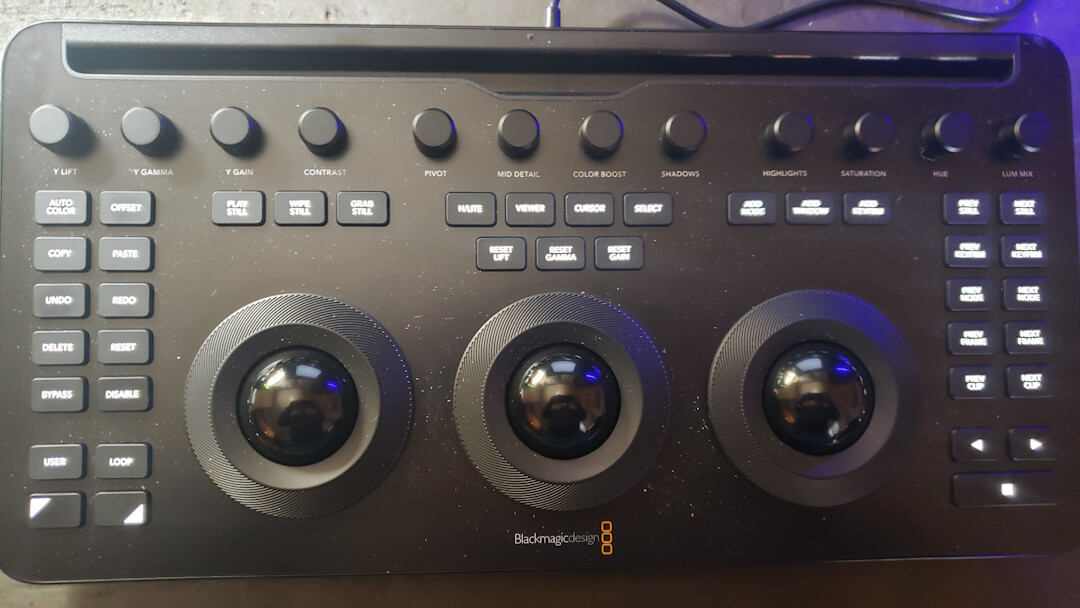
When I used DaVinci that was the name of the product and the name of the company. At that time, there were no Advanced, Mini or Micro color corrector panels. DaVinci didn't have in-built scopes and the signal traces weren't displayed on the monitor. You had to own a "line scope" and a "vector scope," to dispay traces and values. And those were old CRT type oscilliscopes.
Color science was still being discovered. A good color suite cost a million dollars and you needed one or two large air conditioned equipment rooms. Now-a-days all you need is a good computer and DaVinci Resolve to do professional color grading.
Well late in 2025 BlackMagic Design (current owner of DaVinci) released the DaVinci Resolve Micro Color Panel at a very reasonable price. This device is a paired down full blown color grading machine. I color corrected the images below with it.
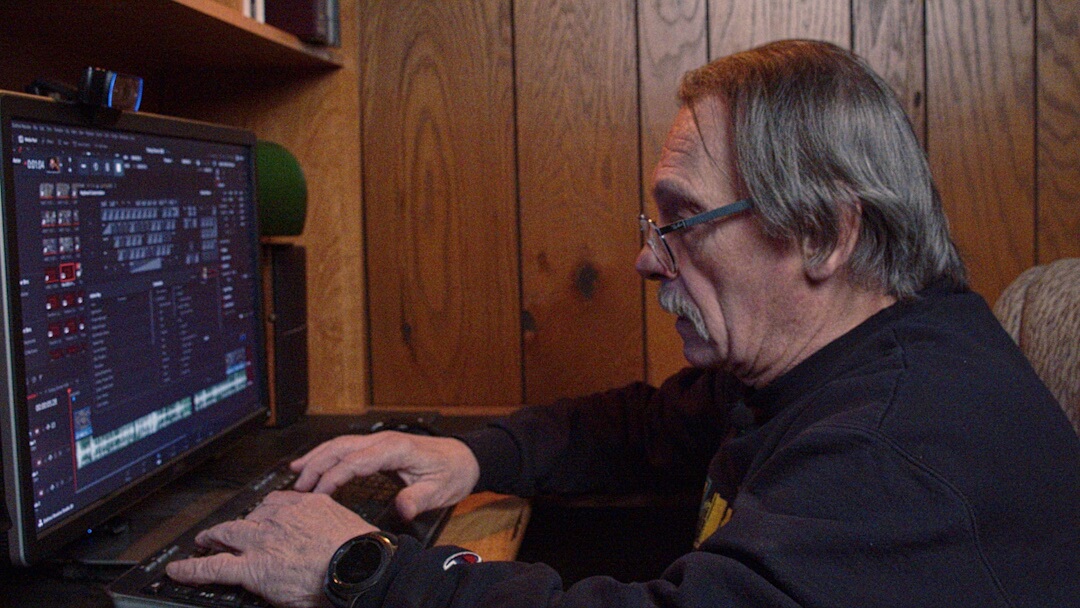
Color grading is a science and an art. A Colorist is an artist that practices color science. The Micro Color Panel combines science and art into a digital paintbrush for a color grading . Finally after all these years an affordable color science tool...
Color Grading Session With BMD DR Micro Color Panel 2026-01-22
Additional controls are arrayed around the panel in a user friendly manner. With function buttons on the left and navigation buttons on the right. Up top is a row of enhancement controls to further tweak the heck out of your beauty shots.
This video demonstrates what a real time grading session is like. I can say it was way too much fun making it. Check out the video...
As for grading video this long awaited tool finally made it to a reasonable consumer price. It has many features normally hidden or hard to use with just a mouse and keyboard. It's central feature are three trackballs aka roller balls. Used for making superfine adjustments during color grading.
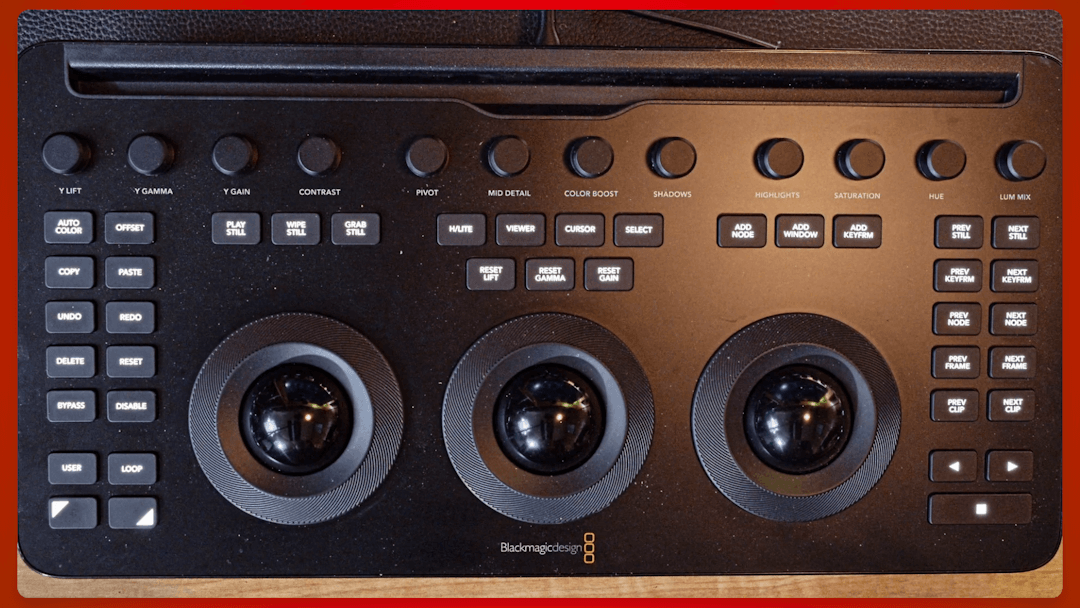
DaVinci Resolve Micro Color Panel will change might change the way you do color grading. It evokes a more eyeball vs. fingers and viewer vs. controls feel to your grade. The touchy feel of the trackballs allows you to concentrate more on the viewer and see in real time how your changes take effect. Also reaching for controls is easier on the panel than with a mouse and keyboard.
Whereas with a mouse/keyboard approach you tend to look more at the controls and scopes than the viewer. Also having the most needed navagation and function control buttons on the panel relieves the need for mouse and keyboard actions. Which tend to pull your eyes off the viewer.
Color grading by Tim Koen of BWT Color Service. Black Magic Design's DaVinci Resolve Micro Color Panel is at BWT Videos...
Waveform And Parade Scopes With Custom Curves 2026-01-30
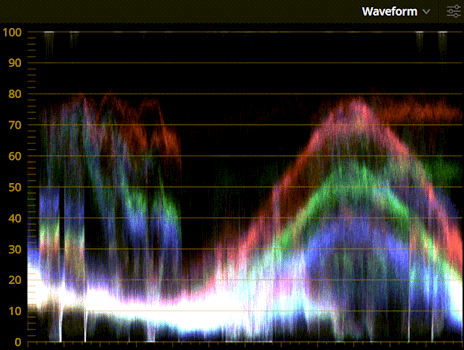
"You see," I said "paint mixing and color grading are very similar. Color follows a universal pattern. it is pretty much the same in all fields. Once you understand color, you can apply it anywhere, paint, video, art and culture."
In paint there are base colors, tints and additives that are used to mix batches. In video color grading there are base channels (red, green, blue) and luminance channel that are corrected to render color images.
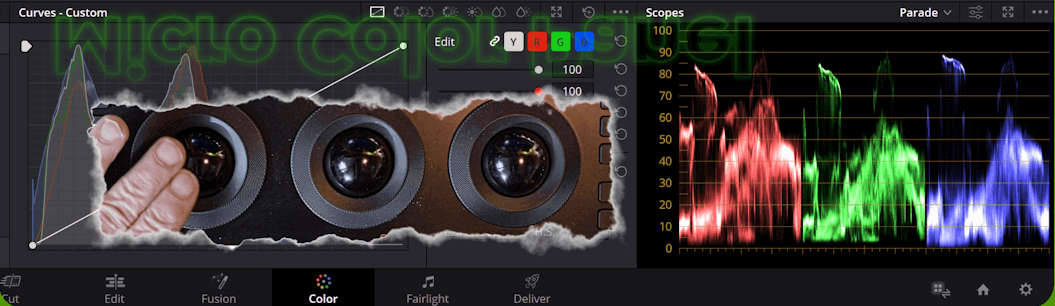
Perfecting color science is an important artform needed to get professional color grading done (and paint mixing). But that is only the half of it. The other half is understanding all the equipment needed. Digital signals are displayed on the monitor and scopes, and are used to fine tune the grading process.
Timothy Koen studied electronics up to getting a USA federally issued 1st class FCC Radiotelephone Licence. (He knows what he is talking about.) Tim has 5 years experience as a Sr. Film Colorist. (He knows color science.) And, Tim has 15 years experience as a Sr. video engineer. (He knows video production.) Tim works from home and owns a business called Best Website Tools, LLC. (He is a professional.)
Did I forget to mention that BWT Videos Color Service has pro grade equipment? Tim uses DaVinci Resolve and Camtasia (latest versions) in his home built powerful color/edit suite. With huge storage capacity and an extensive content library. Tim edits any length videos with color grading, special effects and sound mixing...
December 2025 « » February 2026
Home : Website Tips



61 W. Annabelle Ave. Hazel Park,
MI. 48030-1103, U.S.A.
telephone: (248)546-0374
email: support@best-website-tools.com
© Copyright 2007-2026 All rights Reserved.
Sun: closed
Mon-Fri: 9:00AM to 6:00PM
Sat: 9AM-12:00PM
Closed Holidays
